
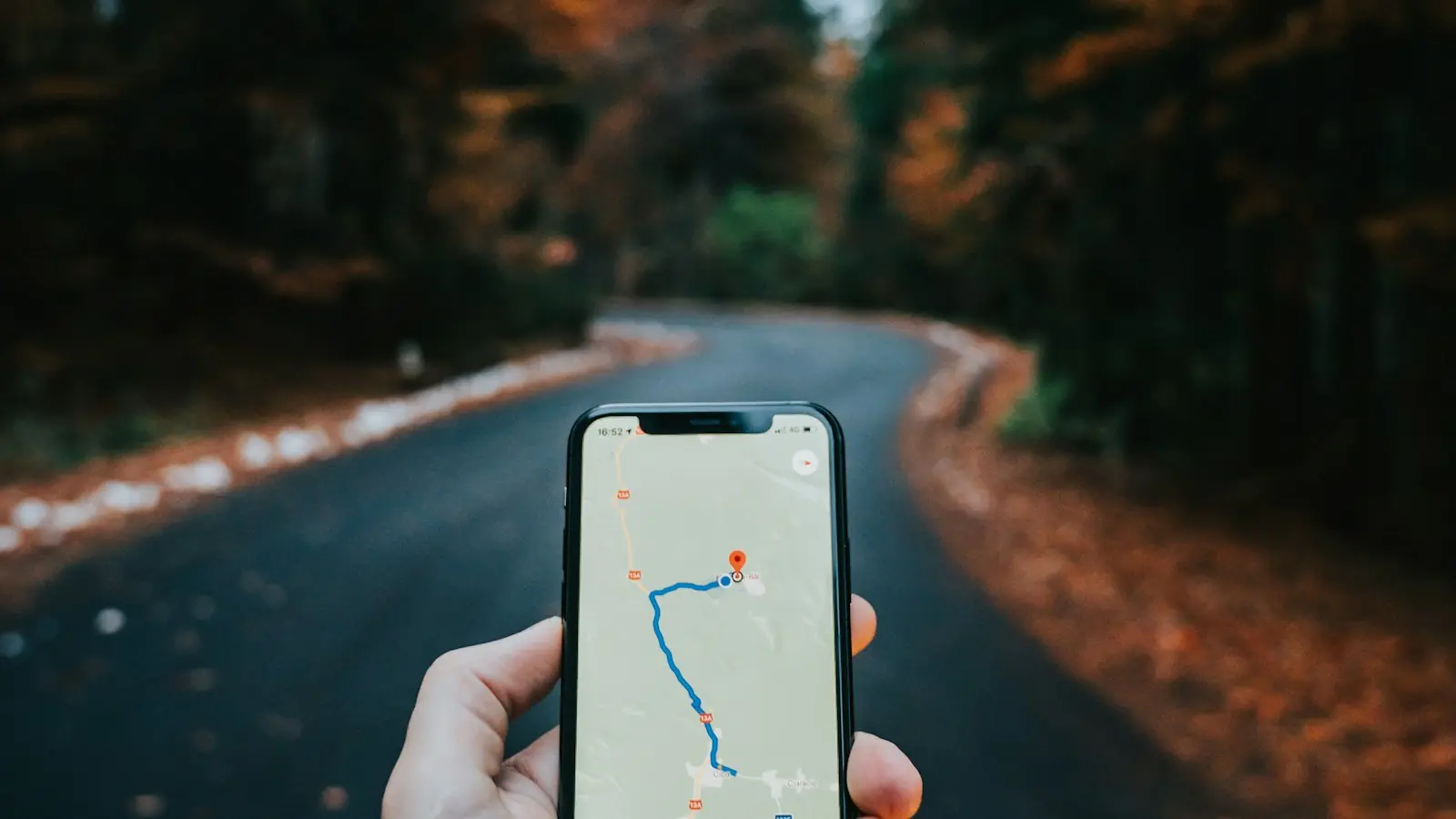
To get your shop on Google Maps, create a free Google Business Profile, choose the most accurate category, add your exact address and hours, verify it, then add real photos and ask happy customers for reviews.
1. Create the profile
Go to business.google.com with a Google account you will keep. Enter the shop name exactly as on your board.
2. Pick the right category
Choose the one category that best describes the shop.
3. Address, pin and hours
Place the map pin on your door and add real hours, including Sunday.
4. Verify
Follow Google's video, call or postcard verification.
5. Photos and posts
Add outside, inside, product and team photos; post weekly.
6. Reviews
Ask happy customers the same day with a direct link.
Do it yourself: checklist
Your ticks are saved on this device.
Mistakes to avoid
- Keywords in the business name
- Wrong map pin
Questions
Is a Google Business Profile free?
Yes.
How long until my shop shows on Maps?
Usually a few days after verification.
No time to do this yourself?
StreamOn, in Birati near Kolkata Airport, does this work for shops, clinics and sellers across Kolkata. Tell us about your business and we will send a clear quotation.
Read next

Written by Somnath Banerjee, founder of StreamOn · Published 2026-10-21 · Updated 2026-10-21